
Denver County Court Dockets Defined
A court docket is a calendar or case activity listing. In Denver County Court, the public docket tool is built around courtroom and court date. It does not act like a document library, and it does not replace a case search by case number or AB number. The research capture lists public result columns such as case number, AB or ticket number, defendant, status, language, case type, scheduled hearing time, disposition, DV, counsel, DOB, and charge fields.
Denver docket research is often the first step when a person has a hearing date problem, a pending traffic or municipal case, or a criminal setting but does not yet have the full file. A docket can show that a case is active, that a setting is scheduled, or that a disposition field exists. For copies of pleadings, orders, judgments, or registers of actions, the user still needs the proper court counter or records-request channel.
The official Denver County Court docket search source shows the courtroom and date search interface.
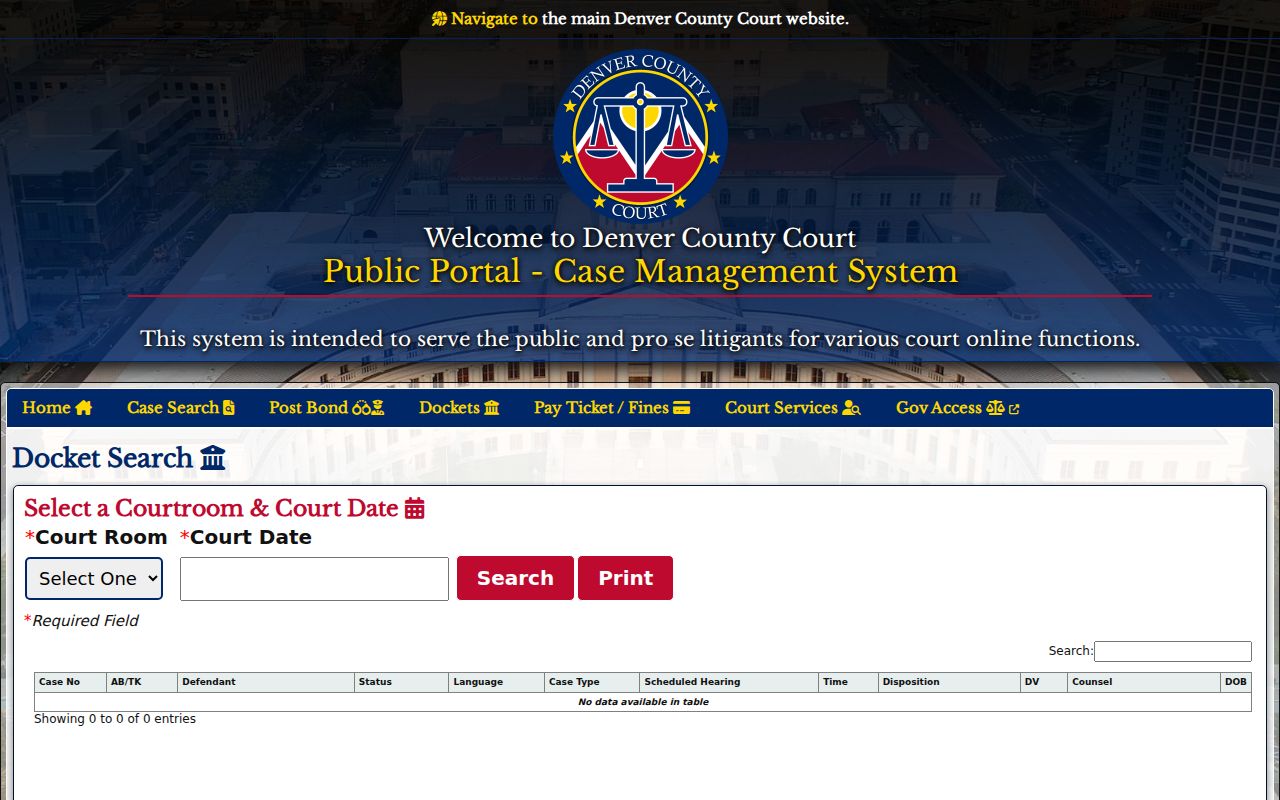
That screenshot is useful because it confirms the local search model: choose a Denver courtroom, enter a court date, then review the calendar rows.
Search Denver County Court Dockets
The Denver County Court docket search is the correct public portal for local County Court calendars. That includes traffic, county civil, misdemeanor, municipal criminal, and other Denver County Court matters. The court-date search in the broader quick-search area may help when a person knows a name and date of birth, but the docket search itself is organized by courtroom and court date. A user who only knows the party name may need a different search path or the clerk counter to identify the case number.
Denver District Court dockets are handled through the Colorado Judicial Branch. The statewide docket page says at least one filter in addition to date is required. This difference matters because Denver County Court is locally administered and separate from state-court docket systems, while Denver District, Probate, and Juvenile courts are listed by the Colorado Judicial Branch.
- Decide whether the matter is Denver County Court or a Colorado Judicial Branch case such as Denver District, Probate, or Juvenile Court.
- For Denver County Court, open the local docket tool and select the courtroom from the dropdown list.
- Enter the court date, validate the date if prompted, and run the search for that courtroom calendar.
- Review the case number, AB or ticket number, defendant, status, hearing time, disposition, counsel, DOB, and charge fields shown in the result rows.
- Use the case number or AB number in the case-search or clerk-copy process when a full record or official copy is needed.
Denver County Docket Search Fields
The docket search field table is short but specific. Denver County Court requires the courtroom and court date for a docket search. Because the dropdown contains many Denver courtroom labels, a person with only a vague notice should check the summons, citation, email, attorney notice, or court paperwork before searching.
| Field Label | Type | Required | Options / Format Notes |
|---|---|---|---|
| Court Room | dropdown | yes | Options include 100K, 100KT, 104B, 105A, 108, 117M, 159, 170, 170T, 175, 175T, 186, 186T, 2100, 2300, 2B, 335, 3A, 3B, 3C, 3D, 3E, 3F, 3G, 3H, 435, 472W, 479, 4A, 4B, 4C, 4E, 4F, DMHC, ESCUR, and Select One. |
| Court Date | date or text | yes | The page prompts users to enter and validate the court date. |
| Search | button | yes | Runs the courtroom calendar search. |
This field structure explains why Denver County court dockets are best for known hearing calendars, not open-ended name research. If a case has no future hearing, the person may need case-number search, written request, or counter service.
Read Denver County Docket Results
Denver's docket result columns show calendar-level information. They can help confirm identity, courtroom, hearing time, charge label, and case posture, but they do not provide every image or order. A disposition field can appear when the public docket has an outcome field, while a blank field may simply mean the case has not reached that stage or the docket view does not show it.
| Docket Field | What It Shows |
|---|---|
| Case No | The case number used for further court lookup or copy requests. |
| AB/TK | Arrest booking or ticket number tied to the Denver matter. |
| Defendant | The person listed on the docket row. |
| Status | Basic case or calendar status shown by the portal. |
| Language | Language information if shown for the scheduled hearing. |
| Case Type | The broad case category, such as criminal, municipal, civil, or traffic context. |
| Scheduled Hearing Time | The listed time for the courtroom calendar event. |
| Disposition | Outcome information if the docket view displays it. |
| DV | A domestic-violence flag when shown. |
| Counsel | Attorney information if listed. |
| DOB | Date of birth field used for identification in the visible docket row. |
| Charge | Charge information, with the research capture showing two charge columns. |
The docket column inventory comes from the official July 13, 2026 research capture and does not mean every field is populated on every case.
Denver District Court Dockets
Denver District Court is the 2nd Judicial District and handles general-jurisdiction civil, felony criminal, and domestic-relations matters. It is a Colorado Judicial Branch court, so its calendars are not the same as the local Denver County Court docket portal. The Colorado Judicial Branch docket search is the statewide source for District Court docket calendars, and the research notes that the page requires a date plus at least one more filter.
The Denver District Court page also provides local court and records information, including the Room 256 records counter for civil and domestic records and the Lindsey-Flanigan location for district criminal matters.
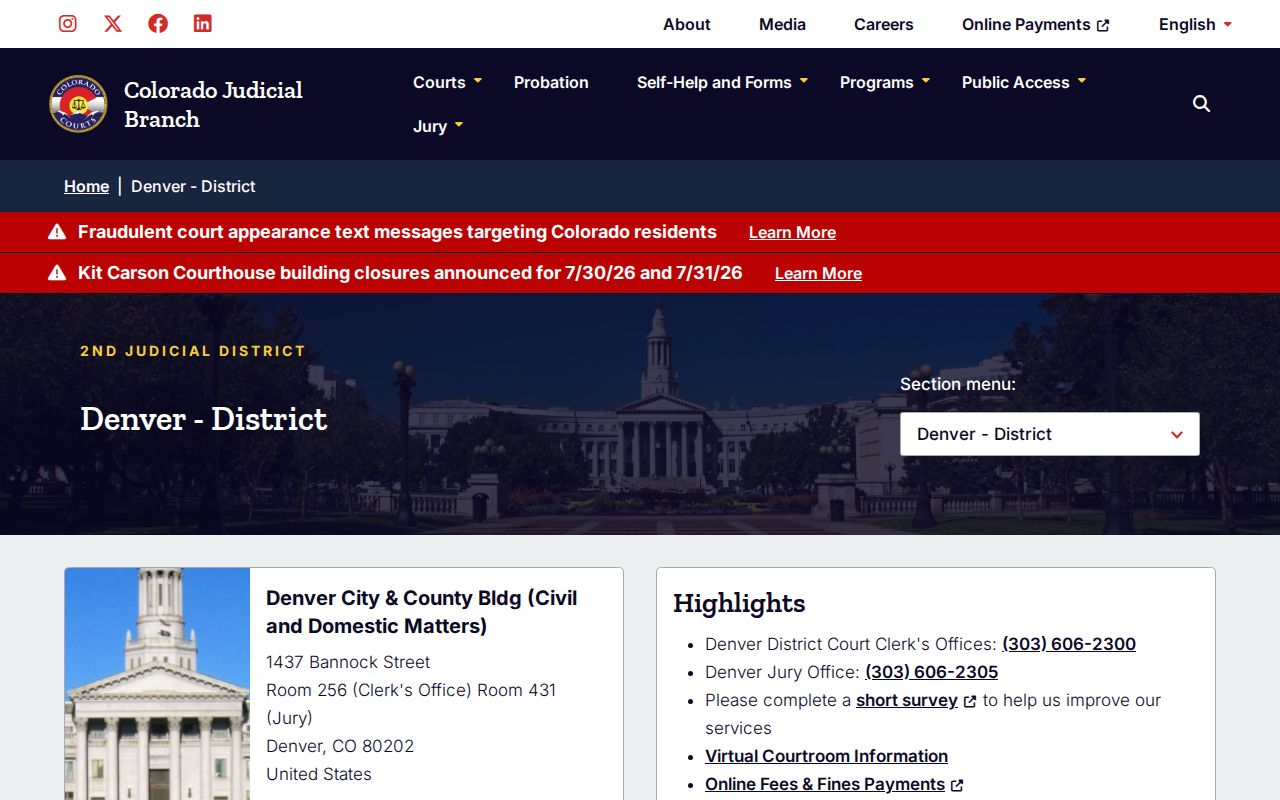
That Denver District source should be used when the docket is tied to a felony, domestic-relations case, major civil case, or capital-city administrative matter.
The statewide docket source is also represented in the manifest through the Colorado Judicial Branch dockets capture.
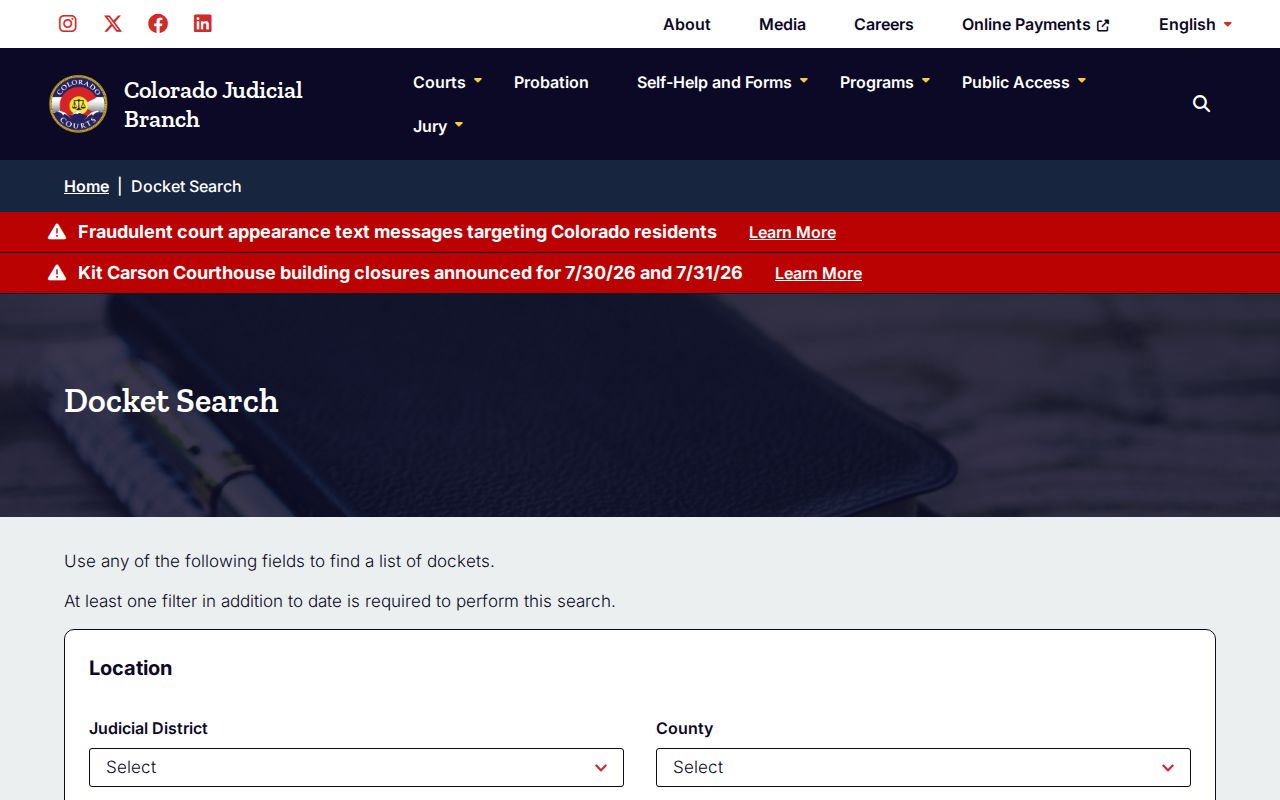
The state docket tool fills the gap for Denver District calendars, while County Court calendars remain in Denver's local public portal.
Denver Court Docket Sources
Denver court hierarchy affects docket access. The Supreme Court and Court of Appeals are appellate courts. Denver District Court handles general-jurisdiction trial work. Denver County Court handles limited civil, misdemeanors, traffic infractions, protection orders, small claims, felony complaints that may move to District Court, and integrated municipal ordinance functions. Probate and Juvenile courts have separate Colorado Judicial Branch listings.
| Court or Office | Docket or Calendar Path | Cases Most Often Found There |
|---|---|---|
| Denver County Court | Denver County Court docket search | Traffic, municipal, misdemeanor, county civil, protection order, small claims, local court calendars |
| Denver District Court | Colorado Judicial Branch dockets | Felony, civil, domestic relations, state-court matters in the 2nd Judicial District |
| Denver Probate Court | Colorado Judicial Branch court and request channels | Estates, guardianships, conservatorships, probate settings |
| Denver Juvenile Court | Colorado Judicial Branch court channels with access limits | Juvenile delinquency, adoption, and juvenile-related matters |
| Colorado appellate courts | State appellate systems and clerk channels | Appeals from trial-court orders and statewide judicial review |
Denver Dockets vs Case Records
A docket is a route-finding tool. It can show a hearing, courtroom, party, and status clue. A case record is broader. It may include pleadings, orders, judgments, sentencing terms, payment actions, transcripts, or redacted documents. Denver County Court documents are not downloaded through the public portal, so a docket result should be treated as a pointer to the correct case and clerk, not the final official file.
| Docket | Full Case Record | |
|---|---|---|
| Best use | Confirm hearing date, courtroom, status, and case number. | Review filings, orders, judgments, sentence, and register of actions. |
| Denver County Court access | Free online by courtroom and date. | Case information online by valid number; documents from court counters. |
| Denver District access | Colorado Judicial Branch docket search. | Room 256, mail, email, and court records request process. |
| Limits | No downloadable document images in the visible docket result list. | May require fees, redaction, ID, or restricted access review. |
When no future date appears, the case may be closed, not yet calendared, in a different court, sealed, juvenile, or searched under the wrong courtroom. A person with an exact case number should move to the case-search or copy-request process in Denver County court records.
Warrants and Denver Court Dockets
Docket searches can overlap with warrant and bond issues, but they are not warrant-clearance tools. Denver County Court has a separate Post Bond/Address Warrant function for eligible warrants and bond types. The payment page can redirect a person to address a warrant before paying fines and costs if a warrant exists. Jail booking fields may also show warrant number, court docket, charge level, and next court appearance date.
If a person misses court, the docket may show a status or case clue, while the warrant tool, clerk counter, attorney, public defender, or DA contact may be needed for the next action. Criminal and municipal clerk service is at Lindsey-Flanigan Courthouse, Room 160. Traffic and civil clerk service is at the City and County Building, Room 135. Denver District felony warrant context uses Colorado Judicial Branch and district records channels.
Note: A docket search may show a hearing setting, but eligible bond and warrant actions use Denver's separate warrant tool.